






TL;DR:
Title tags are critical for SERP visibility, CTR, and AI citations—Google rewrites 60-70% of them when they're unclear or poorly optimized
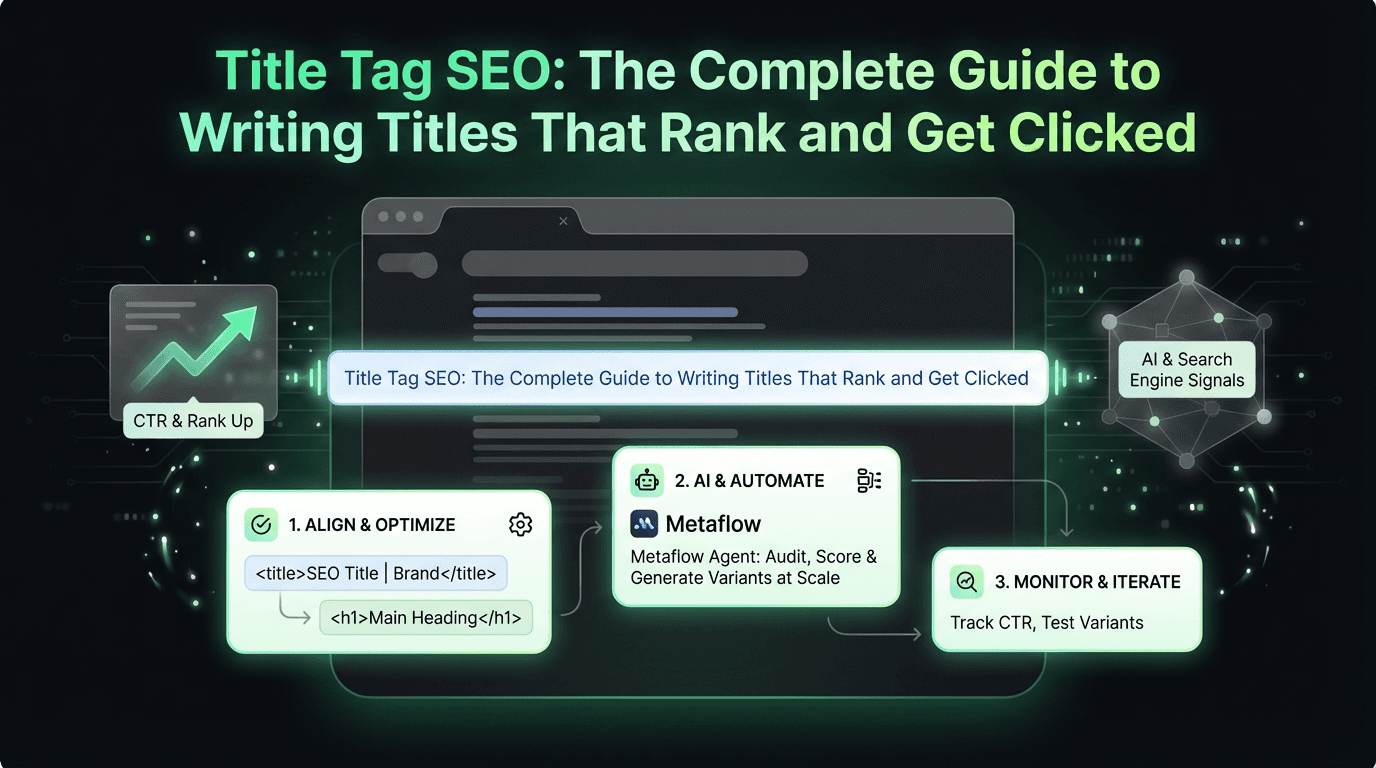
Align your meta title with your H1 tag to reduce rewrites and send consistent topical signals to engines
Optimal length is 50-60 characters (~600 pixels); use a preview tool to see SERP display before publishing
Make every title unique and keyword-focused, but avoid stuffing—lead with your primary keyword and add compelling modifiers
AI optimization matters: Clear, question-answering titles perform better in both Google and answer engines like ChatGPT
Diagnose rewrites via Console, then fix by shortening, aligning with header tags, or adding context
Automate at scale: AI agents (like Metaflow's) can audit thousands of titles, flag rewrites, score for AEO clarity, and generate optimized variants for review
Monitor and iterate: Track CTR, test variants, and refine based on performance data—title optimization is ongoing, not one-and-done
In the hierarchy of on-page SEO elements, few carry as much weight as the humble title element. It's the first thing searchers see in the SERP, the label that appears in browser tabs, and increasingly, the citation anchor that AI systems like ChatGPT and Google's AI Overviews use to reference your content. Yet despite its importance, optimizing your seo title remains one of the most misunderstood and mishandled aspects of optimization.
Here's the reality: Google rewrites titles in approximately 60-70% of results, according to recent studies. That rewrite isn't arbitrary—it's a signal that your HTML title doesn't clearly match what Google believes the content is actually about. When your carefully crafted seo title gets replaced, you lose control over your SERP presentation, your click-through rate suffers, and in the age of answer engine optimization, your site risks being skipped entirely by AI systems looking for clear, authoritative sources.
This guide will show you how to write title tags that align with your page's main visual title, reduce Google's impulse to rewrite them, and position your content for visibility in both traditional search and emerging AI-powered discovery platforms, as well as in ai marketing automation platforms.
What Is a Title Tag and Why Does It Matter?
The title tag html element is a meta component that sits in the `` section of your document and defines the title of the content. It looks like this:
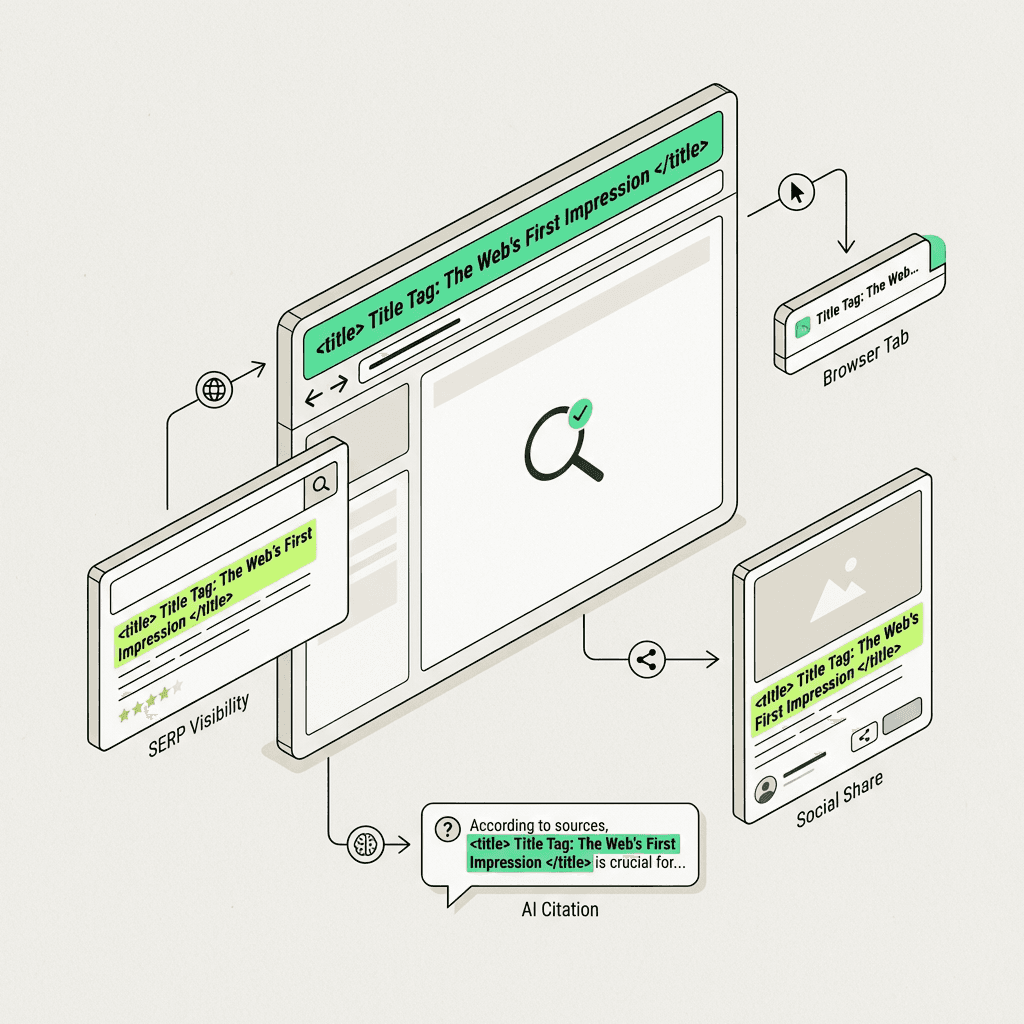
This single line of code serves multiple critical functions:
SERP display: It's typically what appears as the blue clickable headline in results (though Google may modify it)
Browser tabs: It's the text that appears in browser tabs and bookmarks
Social sharing: Many social platforms pull the html title as the default share text
AI citations: Language models and AI Overviews extract title elements to label and cite sources
The title element is one of Google's strongest on-page ranking signals. While it won't single-handedly catapult you to position one, a well-optimized meta title that clearly signals relevance can meaningfully improve both your ranking and click-through rate.
Understanding Title Links: How Google Generates What Users Search For
In August 2021, Google officially rebranded what we call "title tags" to "title links"—acknowledging that what appears in results isn't always pulled directly from your `
Both versions clearly signal the same topic, but the H1 expands slightly for on-site clarity while the meta title stays concise for SERP display.
Title Tag Length: Finding the Sweet Spot
Title length is measured in pixels, not characters, because Google's SERP display uses proportional fonts. A "W" takes up more space than an "i."
Current Best Practices
Desktop: Approximately 600 pixels (~60 characters)
Mobile: Approximately 580 pixels (~55-60 characters)
Safe zone: Keep critical information in the first 50-55 characters
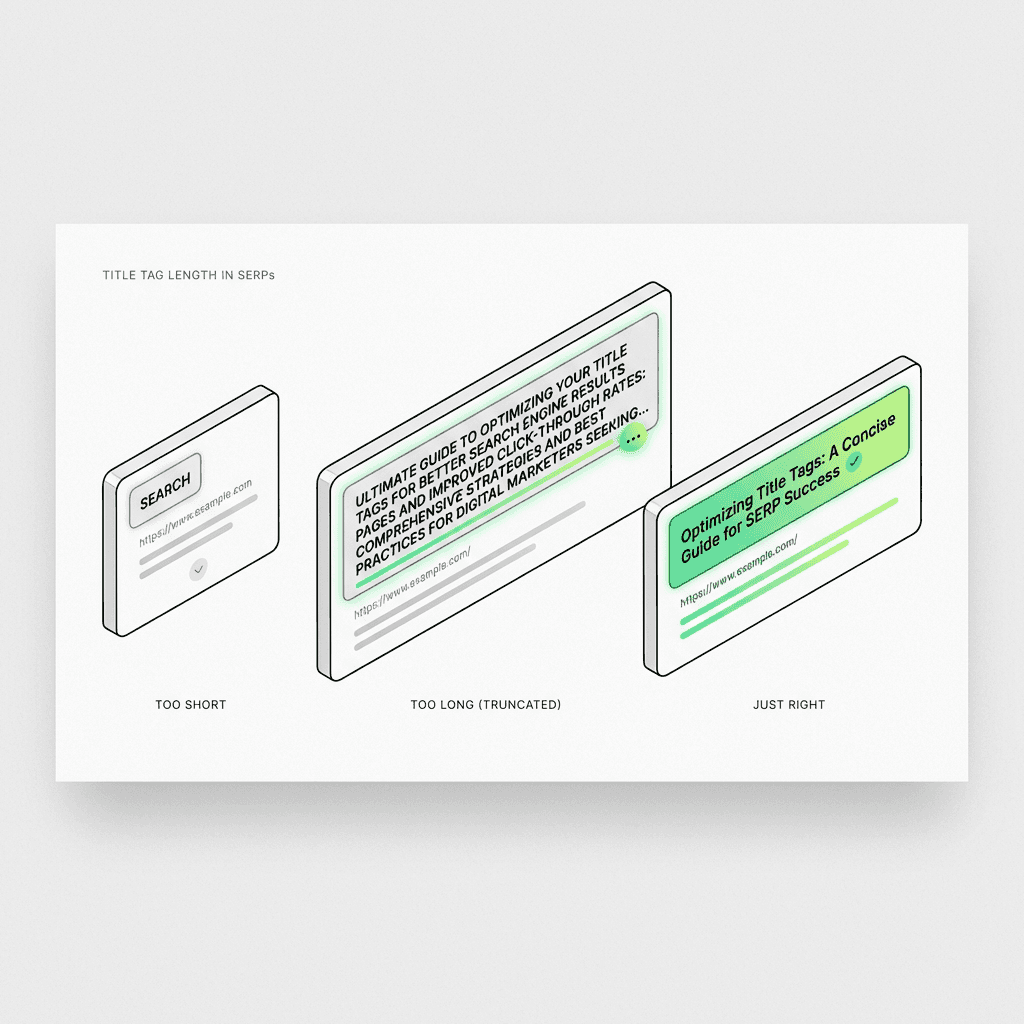
Google will truncate titles that exceed these limits with an ellipsis (…), potentially cutting off important keywords or calls to action.
Title Tag Examples: Length in Action
Too short (wastes opportunity):
Too long (gets truncated):
Just right (clear, concise, keyword-rich):
Use a title tag checker tool to preview how your titles will appear in search results before publishing. Tools like SERP simulators, Moz's Title Tag Preview, or even Metaflow's built-in preview features from its ai workflow builder can save you from costly truncation mistakes.
Best Practices for Writing Title Tags That Rank
1. Lead with Your Primary Keyword
Place your target keyword as close to the beginning as naturally possible. This signals immediate relevance to both users and algorithms.
Good:
Less optimal:
2. Make Every Title Unique
Duplicate meta titles are one of the most common technical issues. Every piece of content on your site should have a distinct title that accurately describes its unique value.
Build a template library for different content types:
Blog posts: `Topic: Benefit/Hook | Brand`
Product pages: `Product Name – Key Feature | Brand`
Category pages: `Category – Descriptor | Brand`
Location pages: `Service in City | Brand`
3. Align Your Title with User Intent
Consider what users search for when they use your target keyword:
Informational: "What is…", "How to…", "Guide to…"
Commercial: "Best…", "Top…", "Reviews…"
Transactional: "Buy…", "Discount…", "Free trial…"
Match your title's language to the intent behind the query.
4. Include Compelling Modifiers
Power words and modifiers can boost click-through rates:
Numbers: "7 Ways…", "15 Tips…"
Year: "for 2026", "in 2026"
Adjectives: "Ultimate", "Essential", "Complete", "Advanced"
Urgency: "Now", "Today", "Fast"
5. Avoid Keyword Stuffing
Repeating keywords or cramming multiple variations into your title triggers both algorithmic penalties and user distrust.
Bad:
Good:
6. Don't Block Crawlers from Your Titles
Ensure your `
AEO-optimized:
The second version clearly signals the value proposition and answers a specific user question, making it more likely to be cited by AI systems.
The Metaflow Agent Opportunity: Automating Title Audits at Scale
For growth teams managing hundreds or thousands of documents, manual optimization is unsustainable. This is where AI automation platforms like Metaflow shine.
A Metaflow AI agent can:
Audit all titles across your site in minutes, not days
Score them for AEO clarity: Does the title signal the question being answered?
Flag rewrites detected in Console data
Generate A/B title variants for human review based on top-performing patterns
Enforce uniqueness and template consistency across content types
Monitor performance and iterate based on CTR and ranking data
Unlike fragmented automation stacks that require stitching together multiple tools, Metaflow brings ideation, analysis, and execution into a unified workspace. You can design a title optimization workflow in natural language, test it on a sample set, and then deploy it across your entire site—no coding required, thanks to its no-code ai workflow builder.
This frees your team from tedious audits and lets you focus on high-impact strategic decisions: which title variants to test, how to align messaging across channels, and how to position your content for emerging AI discovery platforms.
Tactical Implementation Checklist
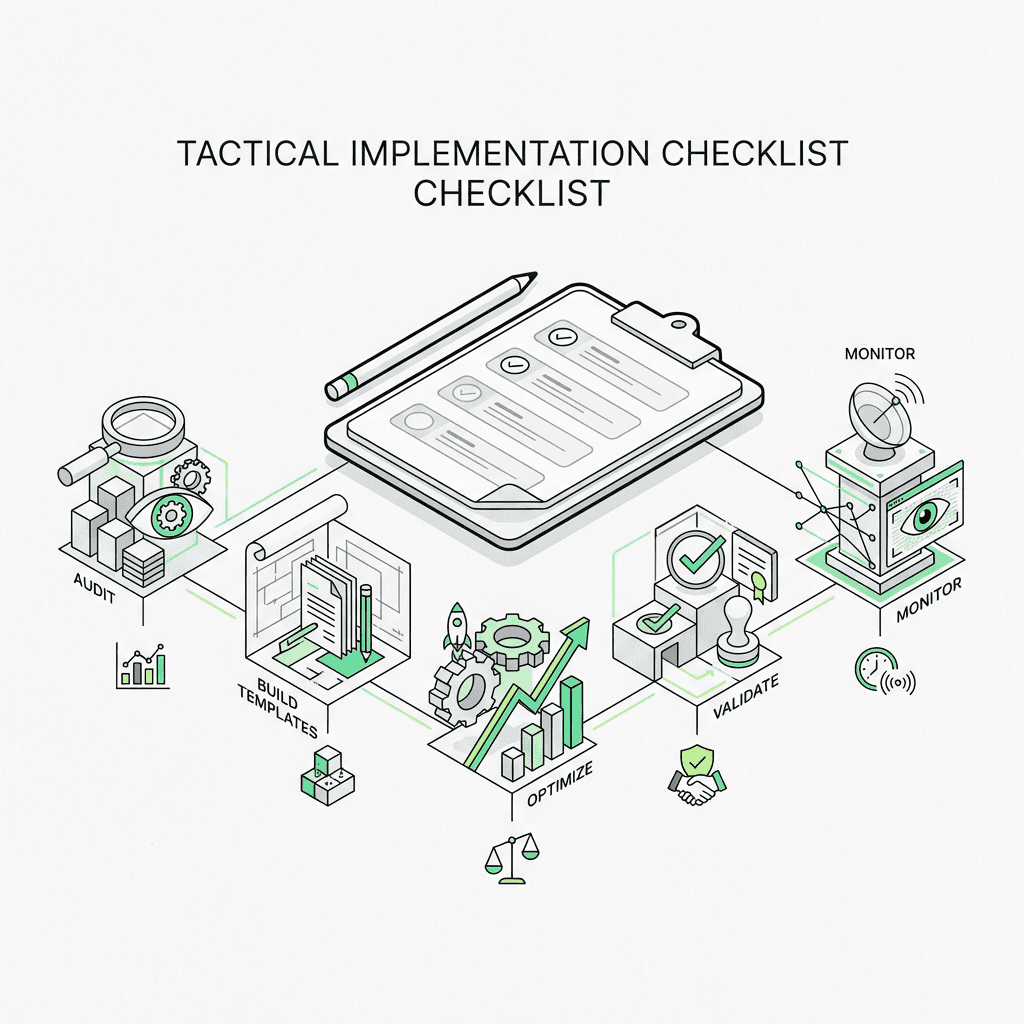
Ready to optimize your meta titles? Follow this step-by-step process:
Phase 1: Audit
Export all titles from your CMS or crawl tool
Check for duplicates using a spreadsheet or tool
Identify content where Google is rewriting titles (Console)
Flag titles that are too long, too short, or keyword-stuffed
Phase 2: Build Templates
Create title templates for each content type (blog, product, category, etc.)
Define your brand name placement (end of title, or omit on certain documents)
Establish character limits and required elements
Phase 3: Optimize
Rewrite titles to align with header tags
Incorporate primary keywords naturally
Add compelling modifiers where appropriate
Ensure every title is unique
Phase 4: Validate
Use a preview tool to see SERP display
Test rendering on mobile and desktop
Verify titles aren't blocked by robots.txt or noindex
Request re-indexing for updated content
Phase 5: Monitor
Track CTR changes in Console
Watch for rewrite patterns
A/B test title variants on key documents
Iterate based on performance data
Common Title Tag Mistakes to Avoid
Even experienced professionals fall into these traps:
Using the same title across multiple documents: Kills your ability to rank for diverse keywords
Putting the brand name first: Wastes prime real estate unless you're a household name
Writing for engines, not humans: Titles should be compelling, not robotic
Ignoring mobile truncation: Most queries happen on mobile—optimize accordingly
Forgetting to update titles when content changes significantly
Not testing title variants: CTR optimization can have massive impact on traffic
The Future of Title Tags: What's Next?
As the landscape evolves, best practices will continue to shift:
AI-generated title suggestions will become standard in CMS platforms like WordPress
Dynamic titles that adapt to user query intent may emerge
Voice optimization will influence title language and structure
Entity-based ranking will reward titles that clearly signal topical authority
The core principle, however, remains constant: make the main title clear and avoid confusing signals. Whether a human or an AI is reading your title, clarity and relevance win.